Apps · 2026-10-17
Get paid in the driveway from Sqyre Hub: invoices, Apple Pay, and the receipt
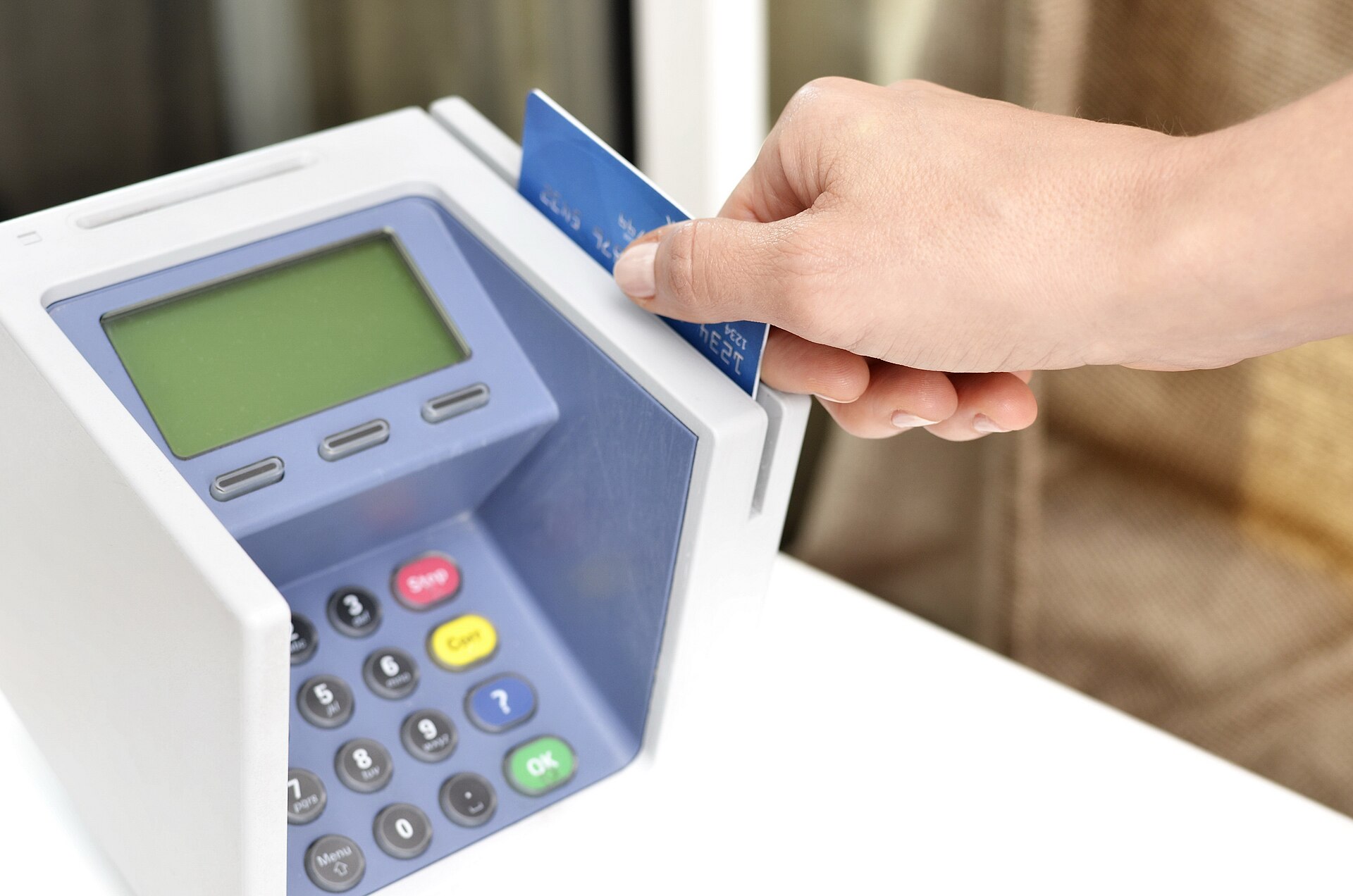
The driveway is the register. Hub can invoice and take payment before the van door shuts. Waiting until tonight is how paid work becomes a favor.
The simple idea
Busy is not profit. A full board can still starve the bank if you invoice tonight and hope for Friday. The driveway is the register.
Sqyre Hub can create the invoice on the client record, send it, and take payment while you are still on the street. Sqyre Team supports on-site payment workflows and Tap to Pay compatibility so the tech is not helpless if the owner is on another roof.
If you had to explain it to a new office person, you would say this. We get paid when the work is done, not when someone remembers the invoice.
A normal weekday
A $600 hose bib and drywall patch looked fine on paper. Parts were $140. Labor and the drive ate $260. The customer said they would mail a check. Two weeks later the check had not come.
The Hub version of that day is boring. Invoice from the profile. Payment before the van door shuts. Home’s outstanding does not grow. See profit before the truck leaves.
Apple Pay and the link
Homeowners already pay coffee with a tap. Asking them to find a checkbook is how you lose the moment. Apple Pay, a hosted link, a card on file from a member: those are the tools.
The payments page is the web map. Hub is the pocket version. Do not rebuild this in Venmo to a personal name. That is how taxes and refunds become a mess.
Needs billing is a status
Projects in Hub can sit in needs billing. That is a queue, not a feeling. Browse it on Thursday. If a finished stop is not in that list, the tech completed in a vacuum. Team and Hub have to share the job.
What people get wrong
They are polite about money in the driveway and stern about it in email. Reverse that. Be clear on site. Be short in email.
They also discount because they forgot to invoice extras. The form should have captured the extra. The invoice should have the extra. Hub cannot bill a hose you never wrote down.
If you are training someone this week
Take payment on the next finished job before the truck leaves. Once. Then again.
The only sentence they are allowed to say is this one. I can take payment now. The receipt will be on your phone before I leave. If they apologize for asking, train them again.
How money moves on the phone
Client profile, invoice, pay, receipt. Hub Home’s outstanding should fall. Needs billing should empty. Team can start the payment workflow on site when the owner is on another roof. Tap to Pay compatibility is for the driveway that does not want a clip-on reader lecture.
Apple Pay is already in the customer’s muscle memory. A hosted link is for the spouse inside. A card on file is for members. Venmo to a first name is not a system.
Deposits still belong on the calendar before the big day. Driveway collection is for finished work. Do not mix them. A deposit holds a week. A driveway payment closes a ticket.
A week of cash
Monday post the visit fee. Tuesday collect that fee on the first diagnostic. Wednesday invoice extras the form captured. Thursday clear needs billing. Friday look at outstanding and refuse to let it grow because you were polite.
If a customer says they will mail a check, you can still say the card now keeps the warranty clock honest. Practice the sentence. Polite and unpaid is still unpaid.
Jason can chase. You should not need him first.
Reminders are for the slips. The driveway is for the default. If Jason is doing all of your collecting, you are leaving money on streets you already drove.
Scripts that do not grovel
“The total is $640. I can take a card or Apple Pay now and the receipt will hit your email before I leave.”
“Warranty starts when this is paid. I can run it here.”
“I will not email an invoice into the void. We close it on site.”
Practice out loud. If you apologize in the script, delete the apology.
Members versus one-offs
Members may have a card on file. Still confirm. One-offs should pay the visit before you diagnose if that is your rule. Do not invent a new rule in the driveway because they seem nice.
Failed payments
Home should show it. Try again. Offer a link. Do not leave with a smile and a failure. A failed tap is still unpaid.
Splitting with a spouse
Send the link inside. Stand in the driveway. Do not drive away “so they can discuss.” Discussion without a link is a no.
Refunds and voids
Do them on the record. Do not Venmo money back from a personal account. Hub should show the void. Accounting should not have to hunt your private app.
Cash
If you take cash, log it. A cash job that never hits Hub is how you lie to yourself about a good week. Team and Hub both need the payment type.
Tips
If you allow tips, they should not replace the invoice. Collect the invoice first. Tip is extra. Mixing them is how a $600 job becomes a $40 Venmo and a story.
The register is the street
Client profile, invoice, pay, receipt. Hub Home’s outstanding should fall. Needs billing should empty. Team can start the payment workflow on site when the owner is on another roof. Tap to Pay compatibility is for the driveway that does not want a clip-on reader lecture.
Apple Pay is already in the customer’s muscle memory. A hosted link is for the spouse inside. A card on file is for members. Venmo to a first name is not a system. Taxes and refunds become a mess when the register is a personal app.
Deposits still belong on the calendar before the big day. Driveway collection is for finished work. Do not mix them. A deposit holds a week. A driveway payment closes a ticket.
Needs billing is a status, not a feeling. Browse it on Thursday. If a finished stop is not in that list, the tech completed in a vacuum. Team and Hub have to share the job.
Scripts that do not grovel
“The total is $640. I can take a card or Apple Pay now and the receipt will hit your email before I leave.”
“Warranty starts when this is paid. I can run it here.”
“I will not email an invoice into the void. We close it on site.”
Practice out loud. If you apologize in the script, delete the apology. Be clear on site. Be short in email. The reverse is how paid work becomes a favor.
Members may have a card on file. Still confirm. One-offs should pay the visit before you diagnose if that is your rule. Do not invent a new rule in the driveway because they seem nice.
Failed payments: Home should show it. Try again. Offer a link. Do not leave with a smile and a failure. A failed tap is still unpaid.
Splitting with a spouse: send the link inside. Stand in the driveway. Do not drive away “so they can discuss.” Discussion without a link is a no.
Refunds and voids: on the record. Do not Venmo money back from a personal account. Hub should show the void.
Cash: log it. A cash job that never hits Hub is how you lie to yourself about a good week.
Tips: collect the invoice first. Tip is extra. Mixing them is how a $600 job becomes a $40 Venmo and a story.
Jason can chase slips. The driveway is the default. If Jason is doing all of your collecting, you are leaving money on streets you already drove.
A 14-day cash drill
Monday: post the visit fee. Tuesday: collect that fee on the first diagnostic. Wednesday: invoice extras the form captured. Thursday: clear needs billing. Friday: outstanding must not grow because you were polite. Week two: one Apple Pay, one hosted link to a spouse, one failed tap retried, one cash job logged, zero Venmo to a first name.
Search phrases this page should earn
Driveway payment contractor, Sqyre Hub invoices iPhone, Apple Pay field service, collect payment on site HVAC, Tap to Pay plumber. Hub listing for the books. Team listing for the truck that can still take a tap. Canonical, FAQ, sitemap.
The numbers on one job
A missed quote on the owner phone is not a small miss. It is a house that hired the shop that answered. Hub and Team exist so the yes, the clock, and the photo happen on the stop, not tonight on the couch.
quote
- kind — visit
Walk the lead
walk
- Finish the work — Photos and signature first if the job type requires them.
- Open the client in Hub — Or let Team hand the office a needs-billing flag.
- Create the invoice — The lines should match the authorization they signed.
- Take payment — Card, Apple Pay, or the link. Do not say “I will email it.”
- Leave the receipt — Timeline should show paid before the van moves.
The picture
diagram
- kind — route
- title — Paid before the door shuts
- caption — Tonight is how $600 becomes a story. The driveway is how it becomes cash.
- Work — stop
- Invoice — stop
- Pay — stop
- Mail a check — skip
The board
board
- Auth — They signed the work
- Invoice — Same lines
- Pay — Driveway
- Receipt — On the record
Where Sqyre holds the work
Sqyre Hub is the owner app. Sqyre Team is the crew app. Jason repeats the shop sentence. Scheduling, payments, and the mobile app page are the web map of the same system.
Questions people ask
faq
- Can Team take payment? — Team supports on-site payment workflows and Tap to Pay compatibility. Hub still owns the books.
- Do I need a card reader? — Links and Apple Pay cover a lot of driveways. Readers help when the house wants to swipe.
- What if they say they will mail a check? — That is a maybe. The calendar already spent the day.
- Does Jason send reminders? — Yes, for the ones that still slip. The first try should still be the driveway.
- Where do I see outstanding? — Hub Home. That number should fall before you hit the next pin.
Before Friday
- Install the right app on the right phone.
- Run one real stop all the way to a photo or a payment.
- Delete the group text that used to be the board.
When you want the next piece, read Sqyre Hub on the App Store and Profit before the truck leaves and Deposits that stop no shows.